Best CPU for an RTX 5070 or 5070 Ti in 2026: the right processor for your resolution (1080p, 1440p, 4K) and the AM4 upgrade path

best cpu for rtx 5070 best cpu for rtx 5070 ti which cpu for rtx 5070 rtx 5070 ti bottleneck ryzen 5 9600x rtx 5070 ti 7800x3d rtx 5070 ti

7800X3D, 9600X, 7500X3D or Core Ultra 5 250KF Plus: which processor to pair with an RTX 5070 or 5070 Ti for your resolution, what measured benchmarks show, and how to upgrade an AM4 PC without replacing everything.

The short answer: which CPU for your RTX 5070 or 5070 Ti?

With an RTX 5070 or RTX 5070 Ti, the right processor depends mostly on your resolution and your monitor. At 1440p and 4K, the graphics card is the bottleneck in the vast majority of games, so a recent 6-core chip is enough. At 1080p on a 144 Hz or faster monitor, a Ryzen X3D really makes a difference.

  • High-refresh 1080p: Ryzen 7 7800X3D, or Ryzen 5 7500X3D on a tighter budget.
  • 1440p: Ryzen 5 9600X or Core Ultra 5 250KF Plus. The 7800X3D mostly buys you better 1% lows.
  • 4K: the CPU barely matters. A 9600X or a Ryzen 7 7700 is plenty.
  • Already on an AM4 PC: drop in a Ryzen 7 5700X3D or 5800X3D in place of a Ryzen 5 5600 / 5600X, with no new motherboard or RAM.

This guide focuses on pairing a CPU with an RTX 5070 / 5070 Ti. For an overall ranking of every gaming processor at every budget, see our best gaming processor guide.

Your setup Recommended CPU Alternative Why
RTX 5070 Ti, 1080p 144-240 Hz Ryzen 7 7800X3D Ryzen 7 9850X3D 3D V-Cache prevents FPS drops when the CPU is the limit
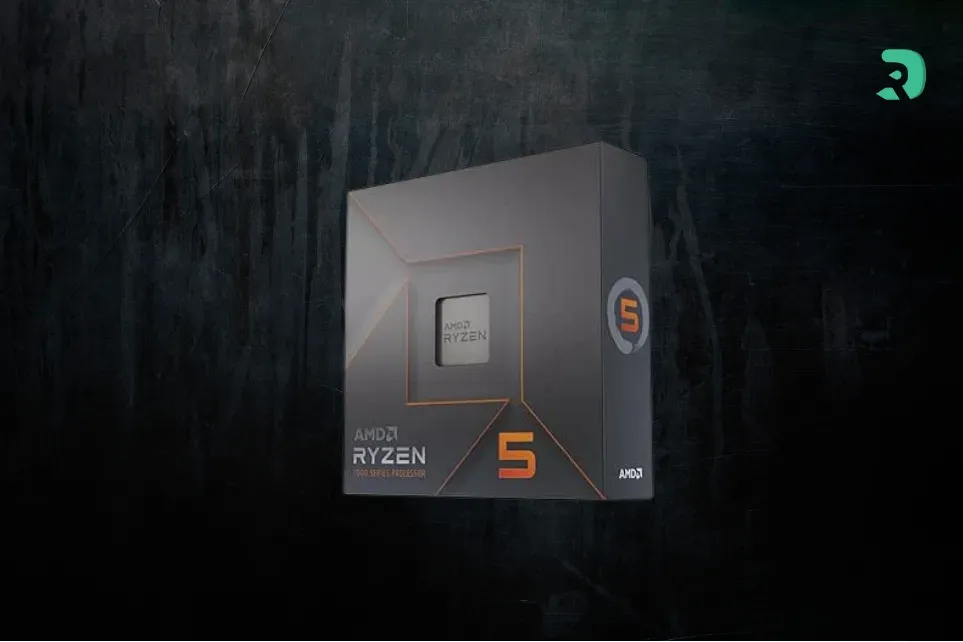
RTX 5070, 1080p 144 Hz Ryzen 5 7500X3D Ryzen 5 7600X3D 3D V-Cache on 6 cores, about 10% ahead of a 9600X on average when CPU-bound
RTX 5070 / 5070 Ti, 1440p Ryzen 5 9600X Core Ultra 5 250KF Plus The graphics card is the limit in most games
Gaming + streaming / video editing Core Ultra 5 250KF Plus Ryzen 7 7700 More cores for encoding and rendering
RTX 5070 / 5070 Ti, 4K Ryzen 5 9600X Ryzen 7 7700 The CPU is almost never the limit at 4K
Upgrading an AM4 PC Ryzen 7 5700X3D / 5800X3D Keep a 5600X at 4K About 30% faster than a Ryzen 5 5600 when CPU-bound
Swipe to view more

Why the CPU matters (or doesn’t) with an RTX 5070 / 5070 Ti

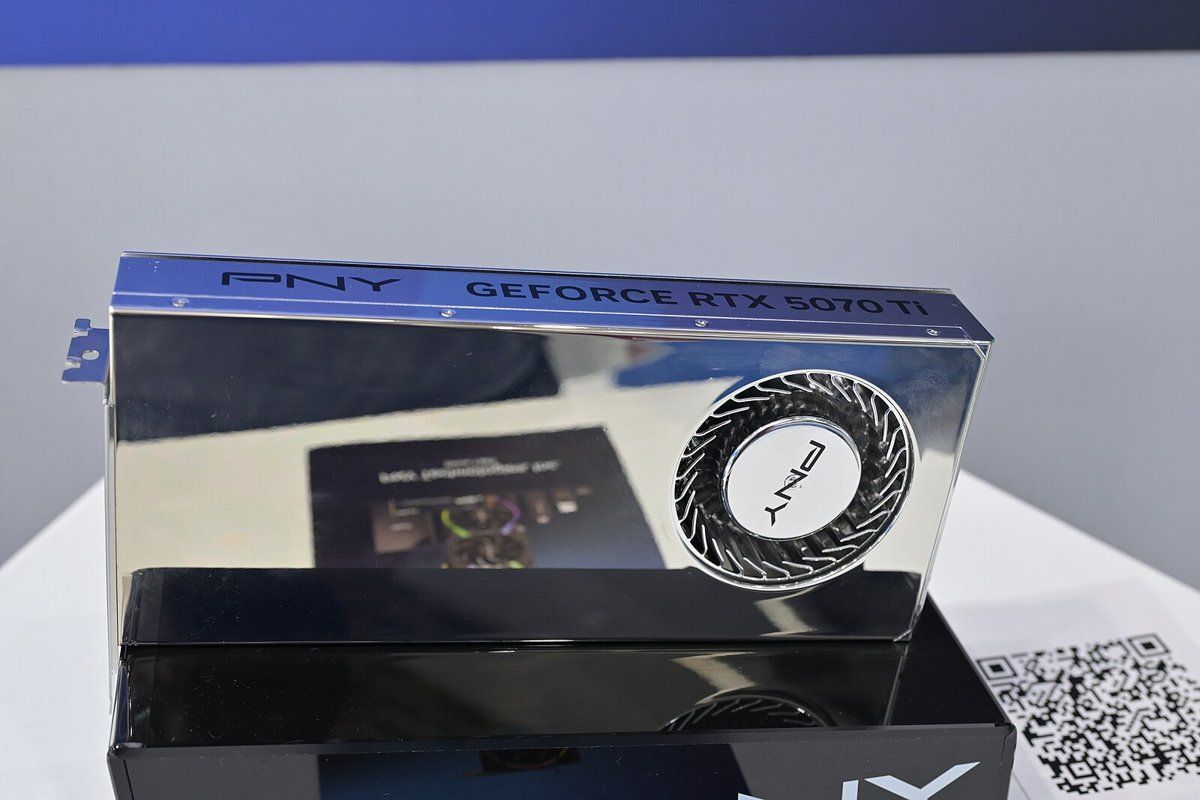
PNY GeForce RTX 5070 Ti graphics card on display at Computex 2025 Click to enlarge

The processor prepares each frame and the graphics card renders it. The lower the resolution, the faster the card gets through its work, and the more the CPU sets the ceiling. That’s why the same pairing can be perfectly balanced at 1440p and still hold the card back at 1080p.

The RTX 5070 Ti sits one step below the RTX 5080, and the RTX 5070 one step lower still. CPU gaps measured with an RTX 5090 or RTX 5080 are therefore a worst case: with your card, they’ll be the same or smaller.

We won’t give you made-up FPS figures or a “bottleneck calculator”: only gaps measured by independent reviewers, along with their test conditions.

What the benchmarks say

In its Ryzen 7 9850X3D review (January 2026), TechPowerUp measured the average gap between processors with an RTX 5090 at Ultra settings. The 9850X3D is the baseline (100%):

Processor 1080p (RTX 5090) 1440p (RTX 5090)
Ryzen 7 9850X3D 100% 100%
Ryzen 7 9800X3D 98.9% 99.2%
Ryzen 7 7800X3D 90.6% 93.3%
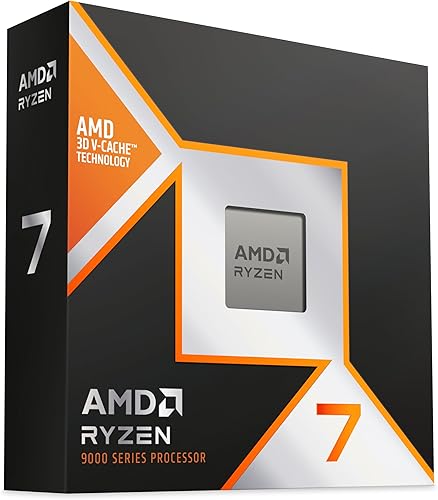
Ryzen 7 9700X 84.8% 89.5%
Ryzen 5 9600X 81.9% 86.7%
Swipe to view more

How to read these numbers

Source: TechPowerUp, Ryzen 7 9850X3D review. Even with the fastest card on the market, the gap between a 9600X and the best X3D drops below 14% at 1440p. With an RTX 5070 Ti, the card tops out sooner, so the real-world gap is smaller.

Further measurements from TechSpot round out the picture:

  • The Ryzen 5 7500X3D is on average 10% faster than the 9600X and 11% slower than the 7800X3D across 12 games at medium settings when CPU-bound (TechSpot).
  • The Core Ultra 5 250K Plus is within 2-3% of the 9600X on average across 14 games (TechSpot). The 250KF Plus is the same chip without integrated graphics.
  • The 7800X3D is 20 to 24% faster than the 5800X3D, and the 9800X3D adds another 8 to 10%, measured at 1080p with an RTX 5090 (TechSpot).
  • With an RTX 5080 at 1440p Ultra, a 5800X3D trails a 9800X3D by only 10% (TechSpot).

High-refresh 1080p: go for a Ryzen X3D

At 1080p on a 144 to 240 Hz monitor (Valorant, CS2, Marvel Rivals, Fortnite), an RTX 5070 Ti can push out more frames than many processors can prepare. That’s where the 3D V-Cache on Ryzen X3D chips pays off: higher average FPS, but above all steadier 1% lows, which means less micro-stutter.

The Ryzen 7 7800X3D is the most balanced choice for an RTX 5070 Ti. The 9850X3D is faster, but the gap only shows at 1080p with a more powerful card: only get it if you plan to keep your processor for a future high-end card (our Ryzen 7 9850X3D article explains what it changes). With an RTX 5070, the Ryzen 5 7500X3D gives you most of the X3D benefit for less money.

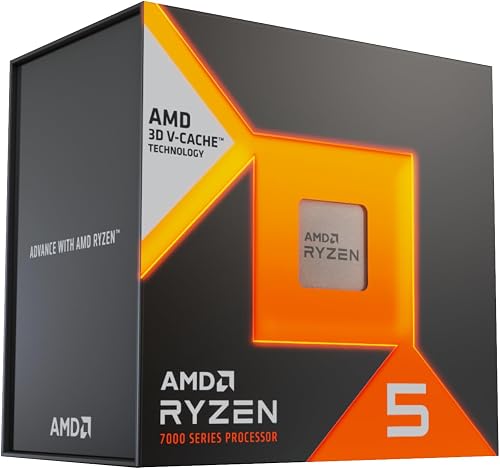
AMD Ryzen 7 7800X3D

The best balance for an RTX 5070 Ti: 8 cores, 96 MB of 3D V-Cache L3, and enough headroom to never hold the card back at 1440p.

Pros
  • 3D V-Cache: big gains at 1080p and in 1% lows
  • AM5 socket: upgrade path to Zen 5 / Zen 6
Cons
  • Not worth it if you mostly play at 4K
  • 120 W: plan for a decent air cooler
FranceCheck the price in my country
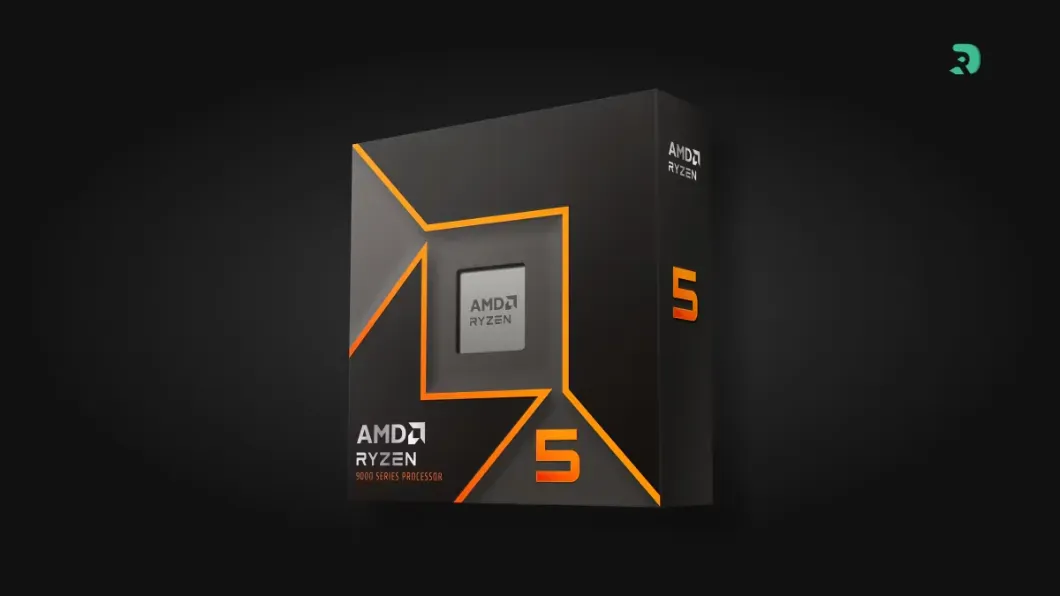
AMD Ryzen 7 9850X3D

The fastest gaming CPU tested in 2026: 8 Zen 5 cores, 3D V-Cache and a 5.6 GHz boost. Worth it if you’ll keep your CPU for a much more powerful future card.

Pros
  • Fastest in games (1080p and 1440p)
  • Ready for a future high-end card
Cons
  • Minimal gain with an RTX 5070 at 1440p
  • Positioned at the very high end
FranceCheck the price in my country
AMD Ryzen 5 7500X3D

3D V-Cache on 6 cores: on average 10% faster than a Ryzen 5 9600X when CPU-bound, according to TechSpot.

Pros
  • 96 MB of L3 cache, solid 1% lows
  • A great pick for competitive 1080p on AM5
Cons
  • Weak in productivity apps (6 cores at 4.5 GHz)
  • No cooler included
FranceCheck the price in my country
AMD Ryzen 5 7600X3D

The 7500X3D’s big brother (4.7 GHz boost): slightly faster, but availability can be patchy.

Pros
  • 3D V-Cache on 6 cores
  • Slightly faster than the 7500X3D
Cons
  • Variable availability
  • 6 cores: limited for productivity work
FranceCheck the price in my country

1440p: a recent 6-core chip is enough in most games

This is the sweet-spot resolution for the RTX 5070 and RTX 5070 Ti. Here the card is the limit in most AAA games, and a Ryzen 5 9600X or Core Ultra 5 250KF Plus is enough to get the most out of it. Put the rest of your budget into the monitor, RAM or power supply instead (see which power supply for an RTX 5070 / 5070 Ti).

The 7800X3D is still worth it at 1440p if you play very CPU-heavy games: simulators, strategy, big MMOs, Baldur’s Gate 3, Space Marine 2 or Escape from Tarkov. Pick the 250KF Plus if you also edit video, render or stream: gaming performance is equal, and it’s much faster in productivity apps.

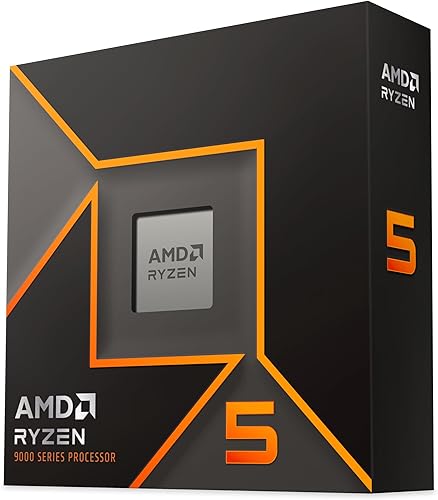
AMD Ryzen 5 9600X

The sensible pick at 1440p: the RTX 5070 / 5070 Ti stays the limiting factor in most games at this resolution.

Pros
  • 65 W, easy to cool
  • AM5: swap in an X3D later
Cons
  • Falls behind at high-refresh 1080p
  • Only 6 cores for streaming
FranceCheck the price in my country
Intel Core Ultra 5 250KF Plus

The Intel alternative: on par with the Ryzen 5 9600X in games (+2 to 3% across 14 games in TechSpot’s testing) and much stronger in productivity apps thanks to its 18 cores.

Pros
  • 6 P-cores + 12 E-cores: excellent for editing and rendering
  • 1% lows often better than the 9600X
Cons
  • LGA 1851 socket with no new CPU generation announced
  • KF version: no integrated graphics
FranceCheck the price in my country
AMD Ryzen 7 7700

8 Zen 4 cores at 65 W with a Wraith Prism cooler in the box: the all-rounder if you game and stream on the same machine.

Pros
  • 8 cores / 16 threads, 65 W
  • Cooler included
Cons
  • Slower in games than an X3D
  • Small gaming gain over the 9600X
FranceCheck the price in my country

4K: the processor hardly matters anymore

At native 4K, even an RTX 5090 makes most recent processors perform the same. TechSpot even saw a Ryzen 5 5600 match a 9800X3D at 4K Ultra in Rainbow Six Siege. With an RTX 5070 / 5070 Ti, which often runs DLSS at 4K, a 9600X or a 7700 is enough. The one exception: in DLSS Performance mode, the image is rendered at a lower resolution, and the CPU can become the limiting factor again.

Still on AM4? Your upgrade path

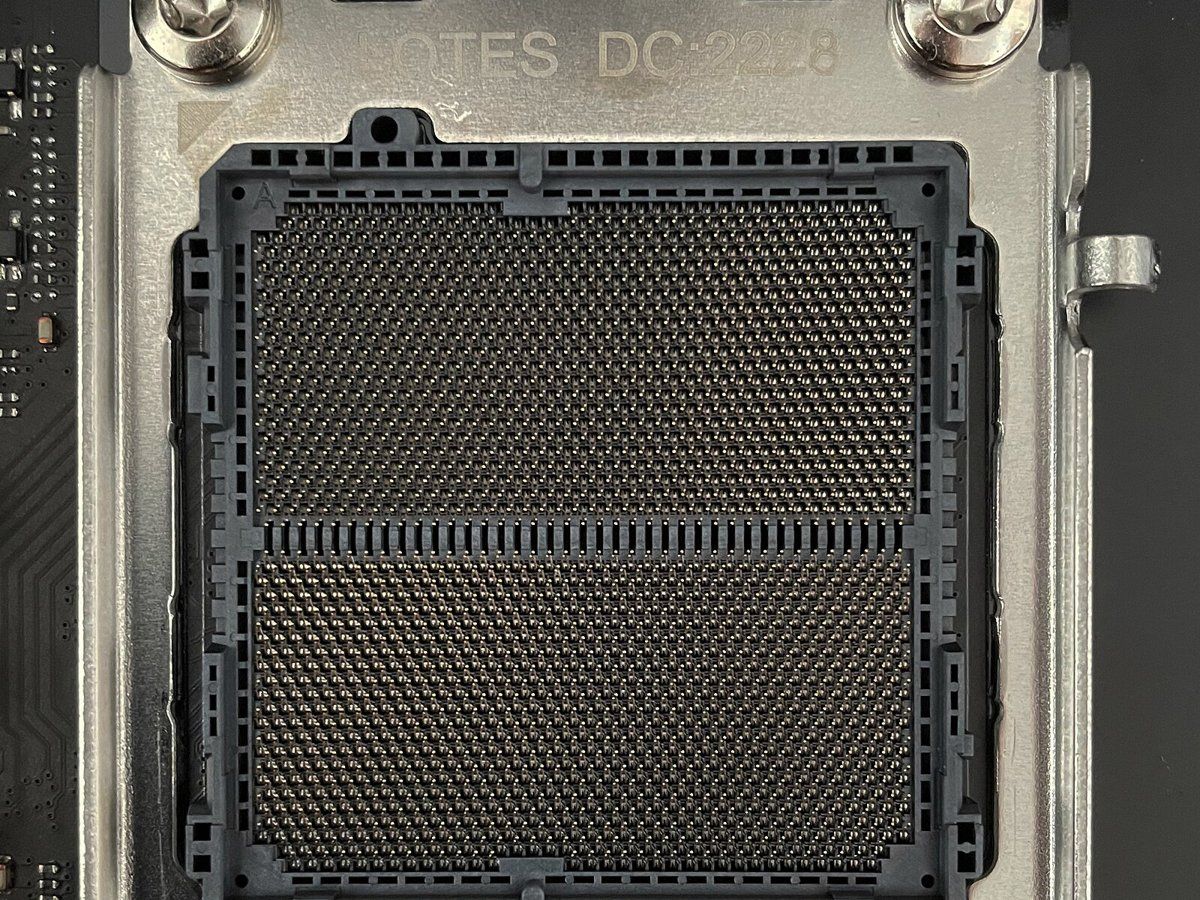
Open AM5 socket on a motherboard Click to enlarge

If you have a Ryzen 5 5600 or 5600X on an AM4 motherboard, you don’t necessarily need to replace everything for your RTX 5070.

  • Keep your 5600X if you play at 4K, or at 1440p in games that aren’t CPU-heavy: the card stays the limiting factor.
  • Move to a Ryzen 7 5700X3D or 5800X3D if you play at 1080p or high-refresh 1440p. TechSpot measures roughly 30% more performance than a Ryzen 5 5600 when CPU-bound, with no new motherboard or DDR4 RAM. Update the BIOS before swapping the chip.
  • Move to AM5 if you want a 7800X3D or better: that means a new AM5 motherboard and DDR5. The platform is designed to take upcoming Ryzen generations (see B650 or B850).

With an RTX 5070 Ti, going from Zen 3 to an AM4 X3D is the best-value upgrade if you’re staying on DDR4. AM5 makes sense if you want the latest X3D chips or plan to keep the machine for a long time.

Mistakes to avoid

  • Buying a high-end CPU to play at 4K: the money is better spent on the graphics card or the monitor.
  • Neglecting RAM: on AM5, aim for DDR5-6000 CL30 in 2 x 16 GB. On DDR4, 3600 CL16 or better.
  • Under-sizing the cooling: a 120 W X3D deserves a good air cooler (see which cooler for a Ryzen X3D).
  • Trusting bottleneck calculators: they give modeled percentages, not measured ones. Rely on in-game benchmarks at your resolution.
  • Forgetting the BIOS: a Ryzen 9000 or a recent X3D may need a BIOS update on an older motherboard.

To compare availability across every model, check our CPU stock page.

FAQ

Does a Ryzen 5 9600X bottleneck an RTX 5070 Ti?

At 1440p and 4K, very little: the card stays the limiting factor in most games. At 1080p on a 144 Hz or faster monitor, or in very CPU-heavy games, an X3D like the 7800X3D goes further.

7800X3D or 9800X3D / 9850X3D for an RTX 5070 Ti?

The 7800X3D. Even when measured with an RTX 5090, the two Zen 5 X3D chips are only a few percent ahead at 1440p. The Zen 5 X3D parts make sense if you plan on a much more powerful card later.

Is a Ryzen 5 5600X enough for an RTX 5070?

At 1440p or 4K, often yes. At high-refresh 1080p, the 5600X holds things back much more: a 5700X3D or 5800X3D is then the simplest upgrade on AM4.

Intel or AMD for an RTX 5070?

For pure gaming, AMD with an X3D is still ahead. At the same 6-core budget, the Core Ultra 5 250KF Plus and Ryzen 5 9600X are tied in games, and the Intel chip is much better in productivity apps. AM5 keeps the edge for future upgrades.

Do the RTX 5070 and RTX 5070 Ti need the same processor?

Almost. The 5070 Ti is faster, so it’s a little more sensitive to the CPU at 1080p. For a 5070, a 7500X3D or a 9600X is enough in the vast majority of cases.

Conclusion

For an RTX 5070 or 5070 Ti in 2026, don’t overspend on your processor. At 1440p and 4K, a Ryzen 5 9600X or Core Ultra 5 250KF Plus is enough. For competitive 1080p, the Ryzen 7 7800X3D (or the 7500X3D with a 5070) is the right call. And if you’re still on AM4, a 5700X3D or 5800X3D is the best-value upgrade before switching platforms.