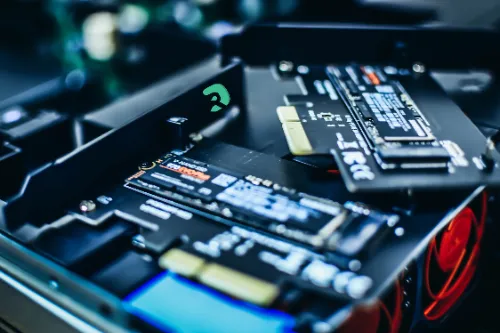
The different types of SSD: complete guide

SSD types Hard drive type SSD speed

You are looking to understand what types of SSDs are available today? Good question! Between SATA, M.2, NVMe, or PCIe, there are several types of SSDs that differ in their format, speed, and compatibility. Let's see together what distinguishes each type, how to choose the right one, and what SSD size is most suitable for your usage.

What is an SSD?

One SSD (Solid State Drive) is a storage medium based on flash memory. Unlike HDD (hard disk drives) , it has no moving parts, which brings:

  • 🚀 Much faster read/write speeds
  • 🔒 Improved reliability and lifespan
  • 🔇 Total silence during operation

Basically, the SSD has completely replaced the classic hard drive in modern PCs for installing the OS, apps, and games.

The main types of SSD

There are several types of SSD, which differ in their connectors and formats.
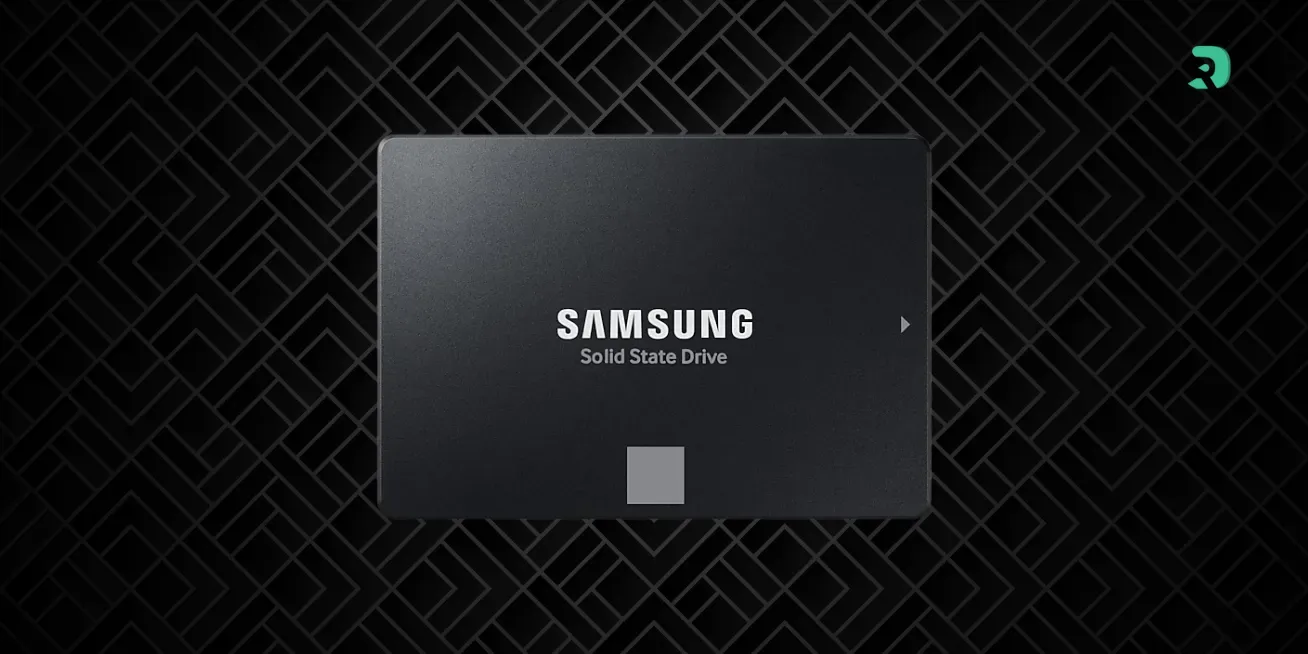
a) SSD SATA 2.5"

ssd-sata-iii Click to enlarge
  • The oldest SSD format.
  • Connected in SATA III (max speed ~550 MB/s).
  • Compatible with almost all desktop and laptop PCs.
  • Perfect for a cheap upgrade .

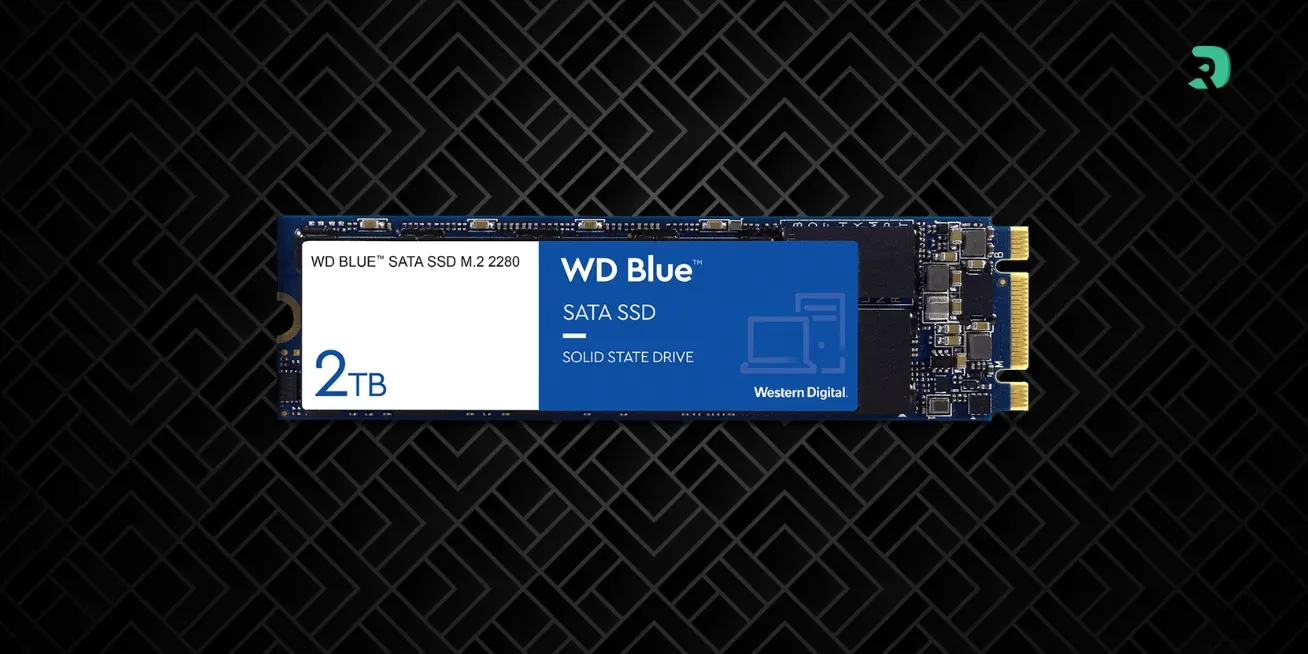
b) SSD M.2 SATA

ssd-m2-sata Click to enlarge
  • Use the format M.2 , smaller than the 2.5".
  • But limited by the SATA interface, so same speeds (≈ 550 MB/s).
  • Running on laptops and recent motherboards .

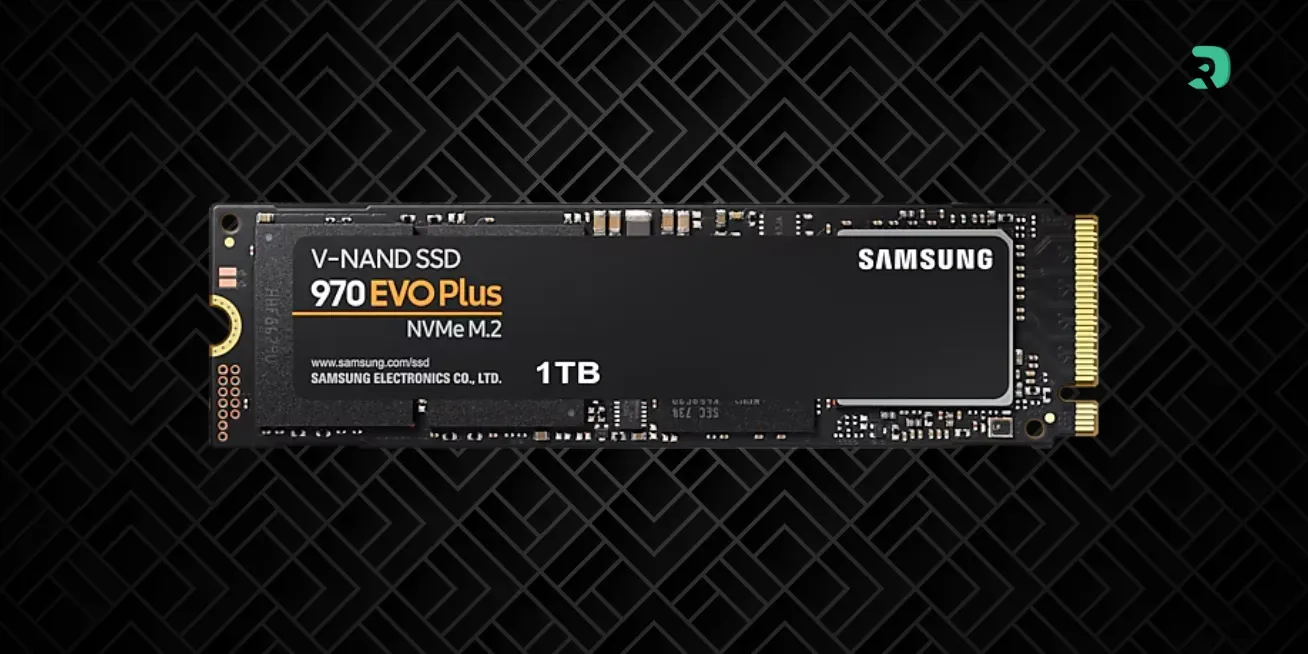
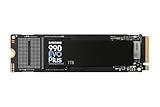
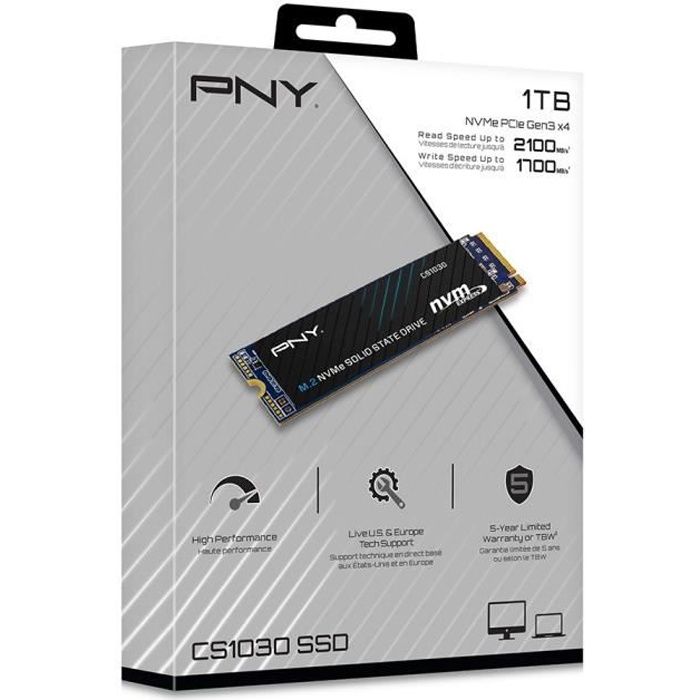
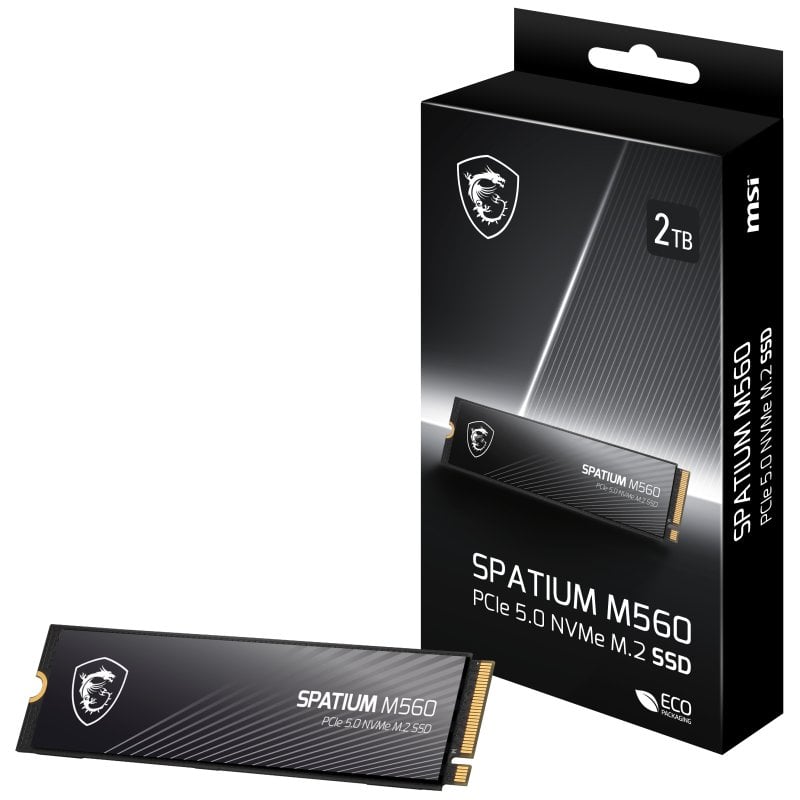
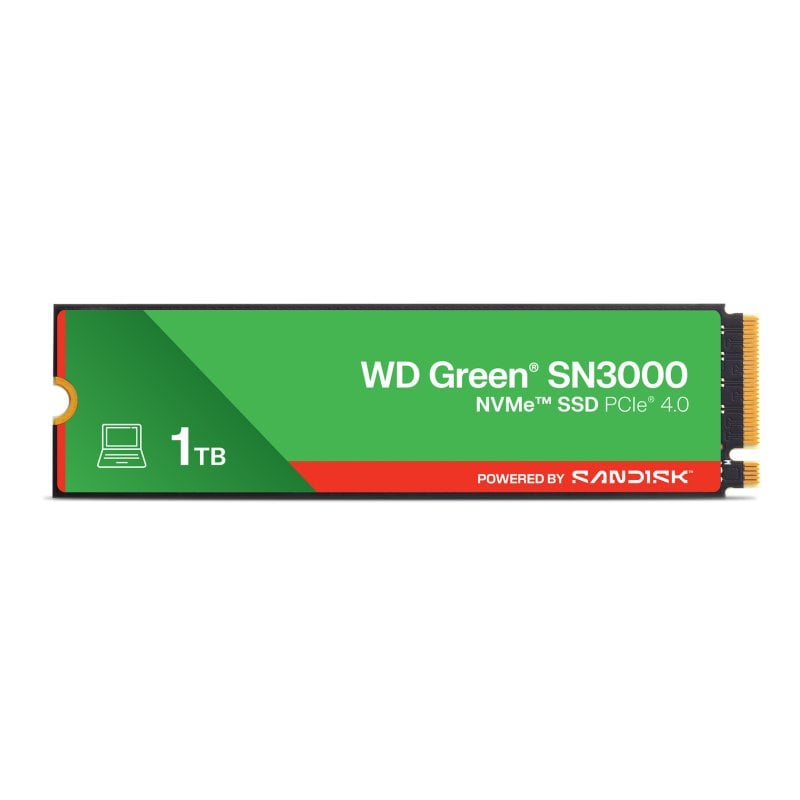
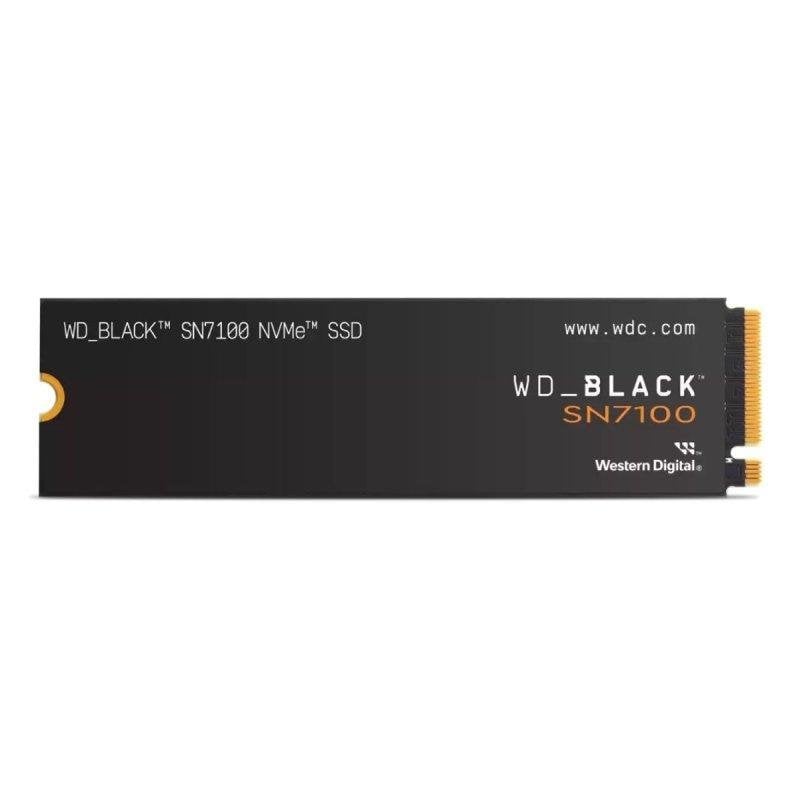
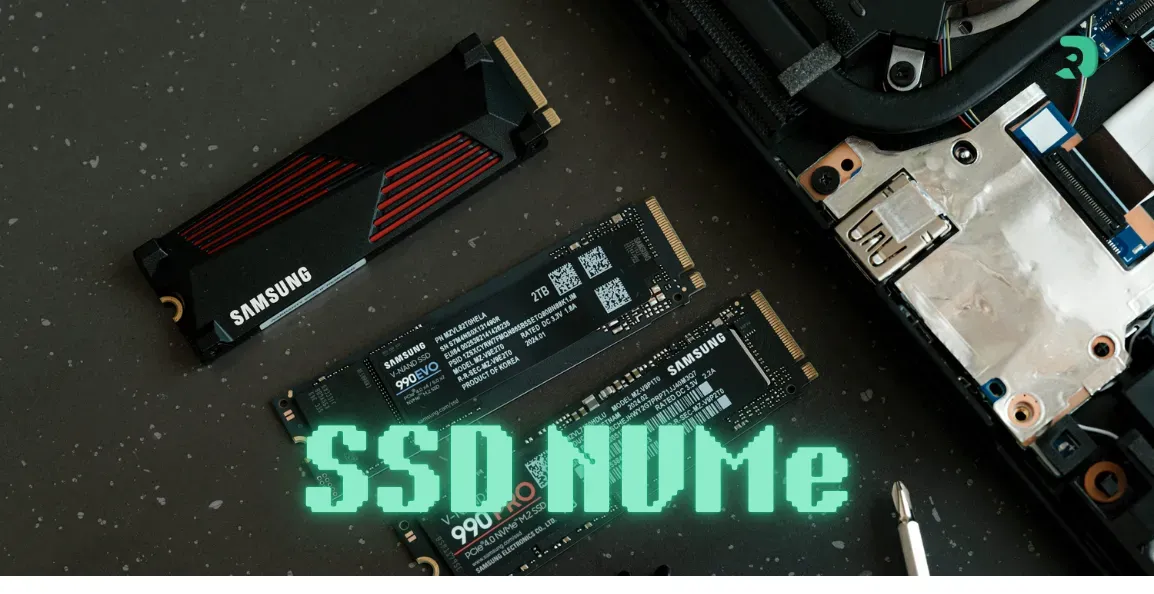
c) SSD M.2 NVMe

ssd-m2-nvme Click to enlarge
  • The most popular today .
  • Use the PCIe bus via the M.2 format.
  • Speeds ranging from 2000 MB/s to over 7000 MB/s depending on the generation (PCIe 3.0, 4.0, 5.0).
  • Ideal for gamers and content creators.

d) SSD PCIe (Add-in Card)

  • Presents itself in the form of a PCIe card plugged directly into a PCIe x4 or x16 port.
  • Mainly used in servers and workstations.
  • Very high performance , but bulky.

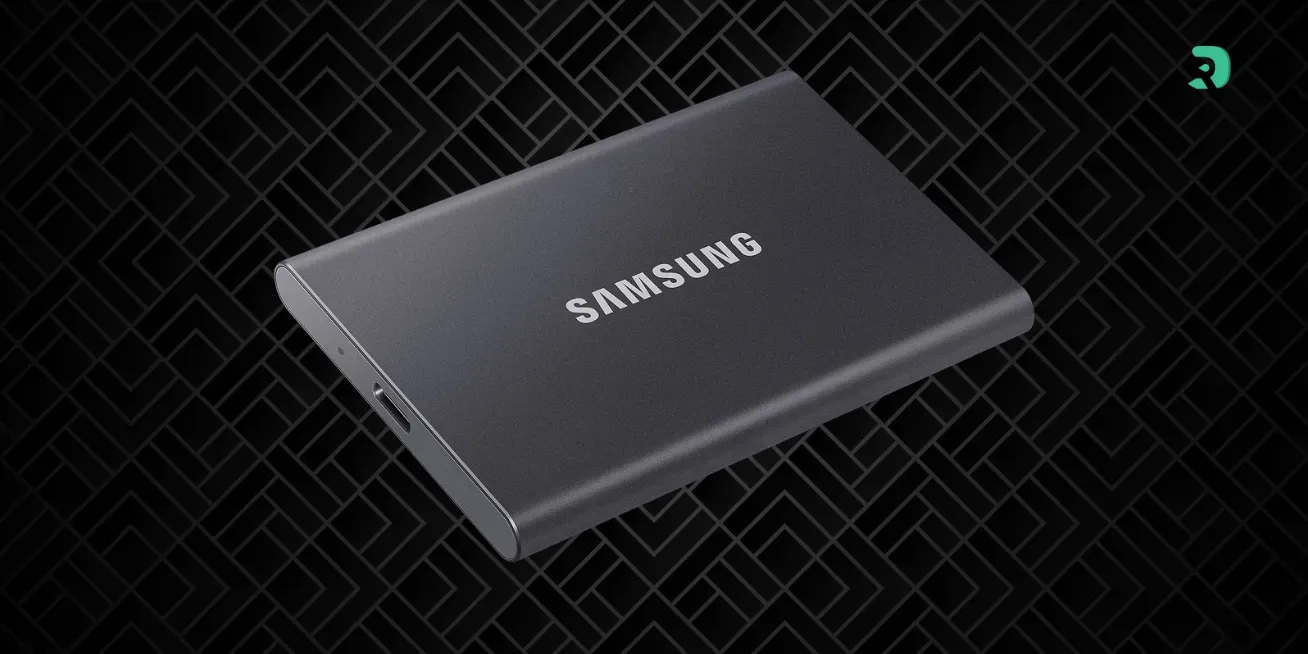
e) External SSD

ssd-externe Click to enlarge
  • Connected via USB 3.2, USB 4, or Thunderbolt.
  • Variable speed depending on the interface.
  • Convenient for backing up and transporting data.

The formats of SSD (Solid State Drive format)

When we talk about solid state drive format, we are referring to the physical form of the SSD.

SSD Speed

A key point that differentiates types of SSDs is their speed.

  • SATA III → ≈ 500–550 MB/s
  • NVMe PCIe 3.0 → 2000 to 3500 MB/s
  • NVMe PCIe 4.0 → 5000 to 7500 MB/s
  • NVMe PCIe 5.0 → can exceed 10,000 MB/s

👉 Even a SATA SSD is already much faster than an HDD, but NVMe completely changes the user experience.

SSD size

The SSD size (capacity) is also an important criterion.

  • 250 GB - 500 GB → sufficient for Windows and a few apps.
  • 1 To → the best compromise for OS + software + games.
  • 2 To and more → perfect for big gamers or video creators.

Type of hard drive vs SSD

Some still talk about the type of hard drive when they mention an SSD. In reality, an SSD is not a mechanical hard drive but a modern storage medium.

  • HDD → slow, noisy, useful for large inexpensive storage .
  • SSD → fast, silent, ideal for system and apps .

Stocks and prices by type of SSD

Choose your delivery country to see prices based on your location

Filters

Disque Dur SanDisk SN3000 2050GB M.2 SSD PCIe NVMe 5000MB/s Lecture

117€

(2 Vendors)
Brand: Sandisk
Comfortable capacity
Samsung 990 PRO M.2 NVMe 1TB Black

189€

(17 Vendors)
4 (1)
Brand: Samsung
Top brand Fast! Good capacity
Samsung 990 PRO 2TB NVMe M.2 Black

339€

(18 Vendors)
4 (1)
Brand: Samsung
Top brand Fast! Comfortable capacity
SanDisk SDSSDA3N-2T00-G26 2TB Black M.2 2280

157€

(6 Vendors)
Brand: Sandisk
Fast and budget-friendly Comfortable capacity
Samsung 990 EVO Plus M.2 NVMe 1TB Black

185€

(16 Vendors)
4 (2)
Brand: Samsung
Top brand Fast! Good capacity
Crucial CT2000E100SSD8 2TB NVMe M.2 Black

199€

(13 Vendors)
Brand: Crucial
Top brand Fast! Comfortable capacity
Lexar LNQ790X001T-RNNNG 1TB NVMe M.2 Black

161€

(10 Vendors)
Brand: Lexar
Good brand Fast! Good capacity
Crucial BX500 2TB 2.5-inch SATA SSD

140€

(12 Vendors)
Brand: Crucial
Top brand Less fast Comfortable capacity
fanxiang S501 512GB NVMe M.2 2280 PCIe Gen3x4

51€

(5 Vendors)
Brand: Fanxiang
Variable quality Minimum gaming capacity
Samsung SSD 990, Interne M.2 NVMe SSD Festplatte, 1TB, PCIe 4.0 x4

171€

(17 Vendors)
Brand: Samsung
Top brand Good capacity
Western Digital WD Black 1TB M.2 PCIe 4.0 NVMe

159€

(10 Vendors)
4 (2)
Brand: Western Digital
Top brand Fast! Good capacity
Samsung 9100 PRO 1TB PCIe 5.0 Black

209€

(18 Vendors)
3 (1)
Brand: Samsung
Top brand Super fast! Good capacity
Western Digital WD Black SN850X M.2 2TB NVMe

300€

(10 Vendors)
Brand: Western Digital
Top brand Fast! Comfortable capacity
Crucial P510 1TB PCIe 5.0 NVMe M.2

175€

(3 Vendors)
4 (1)
Brand: Crucial
Top brand Super fast! Good capacity
Kioxia Exceria G3 2TB M.2 PCIe Gen5 NVMe

255€

(7 Vendors)
Brand: Kioxia
Good brand Super fast! Comfortable capacity
Crucial CT2000T705SSD5 Black 2TB NVMe Gen5 M.2

255€

(4 Vendors)
Brand: Crucial
Top brand Super fast! Comfortable capacity
Crucial P310 2TB PCIe Gen4 NVMe M.2 Black

250€

(6 Vendors)
Brand: Crucial
Top brand Fast! Comfortable capacity
Crucial P310 1TB NVMe Gen4 SSD M.2 2280

169€

(7 Vendors)
3.5 (2)
Brand: Crucial
Top brand Fast! Good capacity
Samsung 9100 PRO 2TB NVMe M.2 Black

370€

(14 Vendors)
3 (1)
Brand: Samsung
Top brand Super fast! Comfortable capacity
Crucial MTFDDAK512TBN-1100 512GB 2.5in SATA SSD Black

55€

(2 Vendors)
Brand: Crucial
Top brand Less fast Minimum gaming capacity
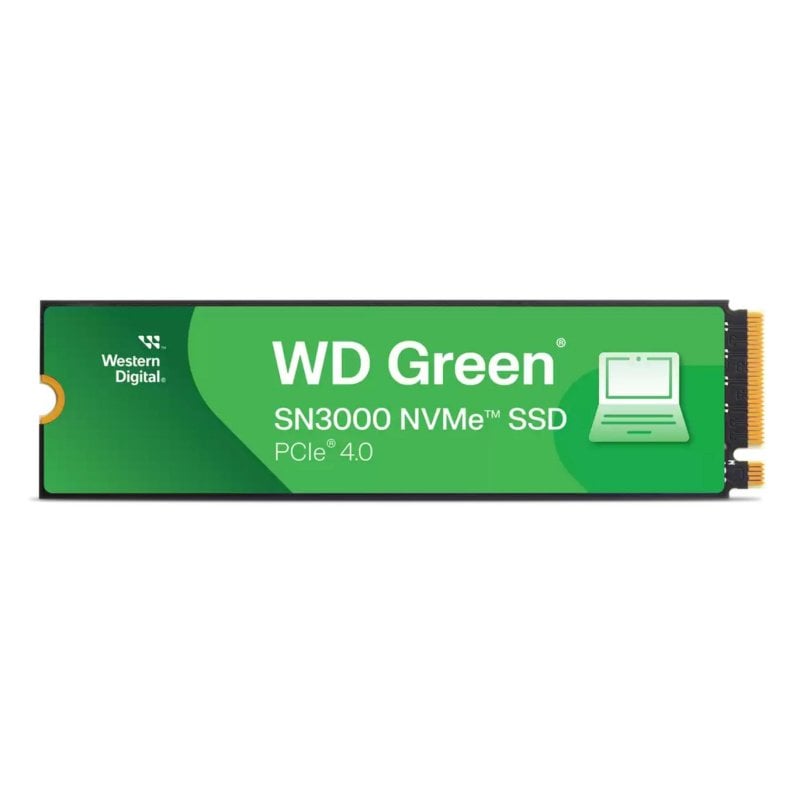
Western Digital WDS200T4G0E 2TB PCIe Gen4 M.2 Green

225€

(10 Vendors)
Brand: Western Digital
Top brand Fast! Comfortable capacity
Crucial CT2000T705SSD5A 2TB PCIe 5.0 M.2 White

255€

(3 Vendors)
Brand: Crucial
Top brand Super fast! Comfortable capacity
MSI 500Go M.2 NVMe Gen4 - SPATIUM M452

95€

(2 Vendors)
Brand: MSI
Interesting brand Fast! Minimum gaming capacity
Kingston NV3 1TB NVMe PCIe Gen4x4 Blue

148€

(15 Vendors)
2 (1)
Brand: Kingston
Good brand Good capacity
Crucial P310 2TB M.2 NVMe PCIe 4.0

249€

(9 Vendors)
Brand: Crucial
Top brand Fast! Comfortable capacity

Practical tips for choosing your SSD

  • If your motherboard is old → take a 2.5" SATA SSD.
  • If you have an M.2 slot → prioritize an NVMe, much faster.
  • For a laptop → Check the M.2 length (2242, 2280…).
  • For external transfers → choose a USB 4 / Thunderbolt SSD.

FAQ

🔹 What are the different types of SSD?

The most common are: SATA 2.5", M.2 SATA, M.2 NVMe, PCIe, and external SSDs.

🔹 What is the difference between an SSD and a hard drive?

A SSD uses flash memory, it is much faster and quieter than a mechanical HDD.

🔹 What size of SSD should be taken?

Minimum 500 GB to be comfortable, 1 TB is ideal today.