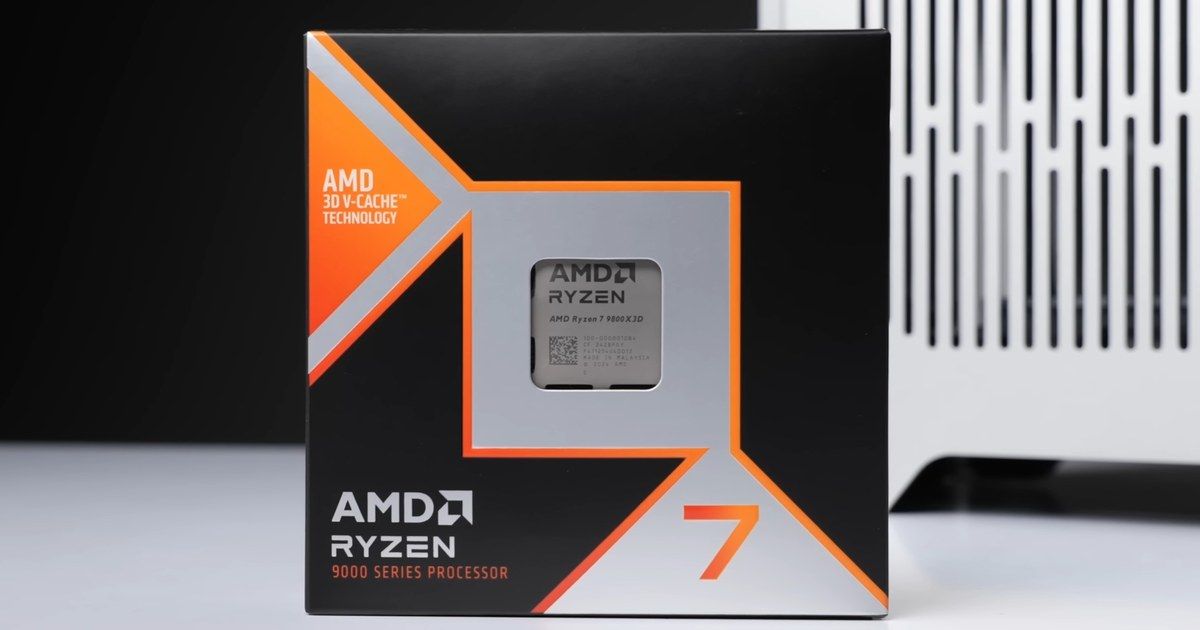
Best CPU for video editing in 2026: Ryzen 9 9950X, 7950X3D, 7900X or Core i9-14900K for Premiere Pro and DaVinci Resolve?

best cpu for video editing 2026 cpu for video editing 2026 best cpu for davinci resolve best cpu for premiere pro ryzen 9 9950x video editing cpu for youtubers cpu for content creation

Which CPU should you pick for video editing in 2026? Quick Sync for Premiere Pro, cores and RAW for DaVinci Resolve, X3D or not, the AM4 upgrade: our picks from the Ryzen 9 9950X, 7950X3D, 7900X, Core i9-14900K, i7-13700K and Core Ultra 5 250KF Plus.

The short answer: which CPU for which software

There is no single best CPU for video editing: it all depends on your software and, above all, on the footage you edit. Video from smartphones, mirrorless cameras and drones is almost always H.264 or HEVC, and that is where the iGPU in Intel processors (Quick Sync) makes a real difference in Premiere Pro. RAW footage and software exports get more out of the 16 cores of a Ryzen 9. Here are our picks for October 2026:

  • Premiere Pro with H.264 or HEVC footage: an Intel chip with an iGPU (Core i9-14900K, Core i7-13700K), or better yet, a Core Ultra 7 270K Plus.
  • DaVinci Resolve, RAW footage and all-round work: the Ryzen 9 9950X, especially paired with a GeForce RTX 50.
  • Editing and gaming on the same PC: the Ryzen 9 7950X3D, a little slower for editing but excellent for gaming.
  • Tight budget for DaVinci Resolve: the Core Ultra 5 250KF Plus, as long as you have a recent graphics card.
  • You already have an AM4 motherboard: the Ryzen 9 5950X, with no need to change your motherboard or memory.

If you are mainly after a CPU for gaming, check out our guide to the best gaming CPU. To track the availability of all these models, our CPU stock page is updated continuously.

What really matters in a video editing CPU in 2026

Puget Systems, which has been benchmarking editing PCs in Premiere Pro and DaVinci Resolve for years, sorts video files into three families. Each one loads the CPU differently:

  • LongGOP (H.264, HEVC): footage from smartphones, mirrorless cameras, drones and consumer camcorders. Heavily compressed, it is hard to decode. Hardware decoding makes all the difference: Quick Sync on Intel chips with an iGPU, or the decoder on Nvidia graphics cards.
  • Intraframe (ProRes, DNxHR): bigger files that are easier to play back. Here the CPU does the work on its own, and good recent CPUs are close to each other.
  • RAW (RED, Blackmagic RAW, ARRI): very heavy files, partly processed by the graphics card. The 16-core Ryzen 9 chips have historically done well here.

In 2026, one change matters a lot: GeForce RTX 50 cards can finally decode 4:2:2 10-bit H.264 and HEVC, the format used by many recent mirrorless cameras. Premiere Pro has supported it since version 25.3. In its March 2026 test with an RTX 5080, Puget Systems measured only a 16% gap between the fastest and the slowest CPU in Premiere Pro. With an older graphics card, Intel’s lead is clearer.

RAM and storage matter too. For 4K editing, 32 GB is a comfortable minimum, and 64 GB becomes useful on long projects or ones with lots of effects. A fast SSD for footage and cache also makes day-to-day work much smoother: we wrote a full guide to the best SSD for video editing.

CPU Cores / threads Cache (L2 + L3) iGPU / Quick Sync Platform Best for
Ryzen 9 9950X 16 / 32 80 MB Basic Radeon iGPU, no Quick Sync AM5, DDR5 DaVinci Resolve, RAW, mixed use
Ryzen 9 7950X3D 16 / 32 144 MB Basic Radeon iGPU, no Quick Sync AM5, DDR5 Editing and gaming
Ryzen 9 7900X 12 / 24 76 MB Basic Radeon iGPU, no Quick Sync AM5, DDR5 Resolve with a recent RTX
Ryzen 9 7900X3D 12 / 24 140 MB Basic Radeon iGPU, no Quick Sync AM5, DDR5 Mostly gaming, some editing
Core i9-14900K 24 / 32 68 MB UHD 770, Quick Sync LGA 1700, DDR4 or DDR5 Premiere Pro, H.264 and HEVC
Core i7-13700K 16 / 24 54 MB UHD 770, Quick Sync LGA 1700, DDR4 or DDR5 Premiere Pro on a sensible budget
Core Ultra 5 250KF Plus 18 / 18 60 MB None (KF version) LGA 1851, DDR5 Resolve, tight budget
Ryzen 9 5950X 16 / 32 72 MB None AM4, DDR4 Upgrading an AM4 PC
Swipe to view more

Sources for the specs and the gaps quoted

The specs come from AMD and Intel datasheets. The performance gaps quoted in this guide come from Puget Systems tests: Ryzen 9000 vs 14th-gen Core (August 2024), the Ryzen 7000X3D review (2023), Ryzen 9000 vs previous generations, and the Core Ultra 200S Plus review (March 2026, updated in April). These gaps were measured on their own projects: use them to compare orders of magnitude, not down to the last percent.

Premiere Pro: why Intel keeps the edge with Quick Sync

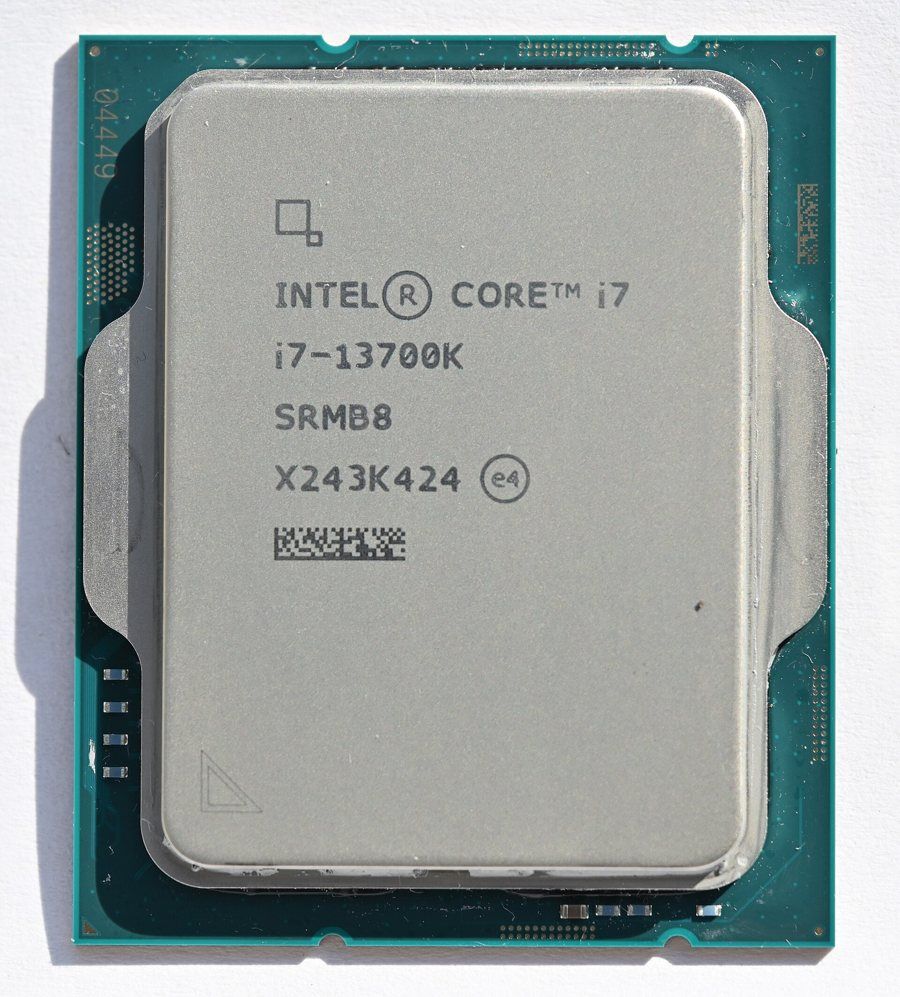
Processeur Intel Core i7-13700K Click to enlarge

Premiere Pro is the software where your choice of CPU matters most. The reason comes down to two words: Quick Sync. The media engine built into the iGPU of Intel processors decodes H.264 and HEVC far more efficiently than the CPU cores alone. In its Ryzen 9000 vs 14th-gen Core comparison, Puget Systems measured a 10 to 30% lead for Intel in general, and up to nearly twice the performance with HEVC footage.

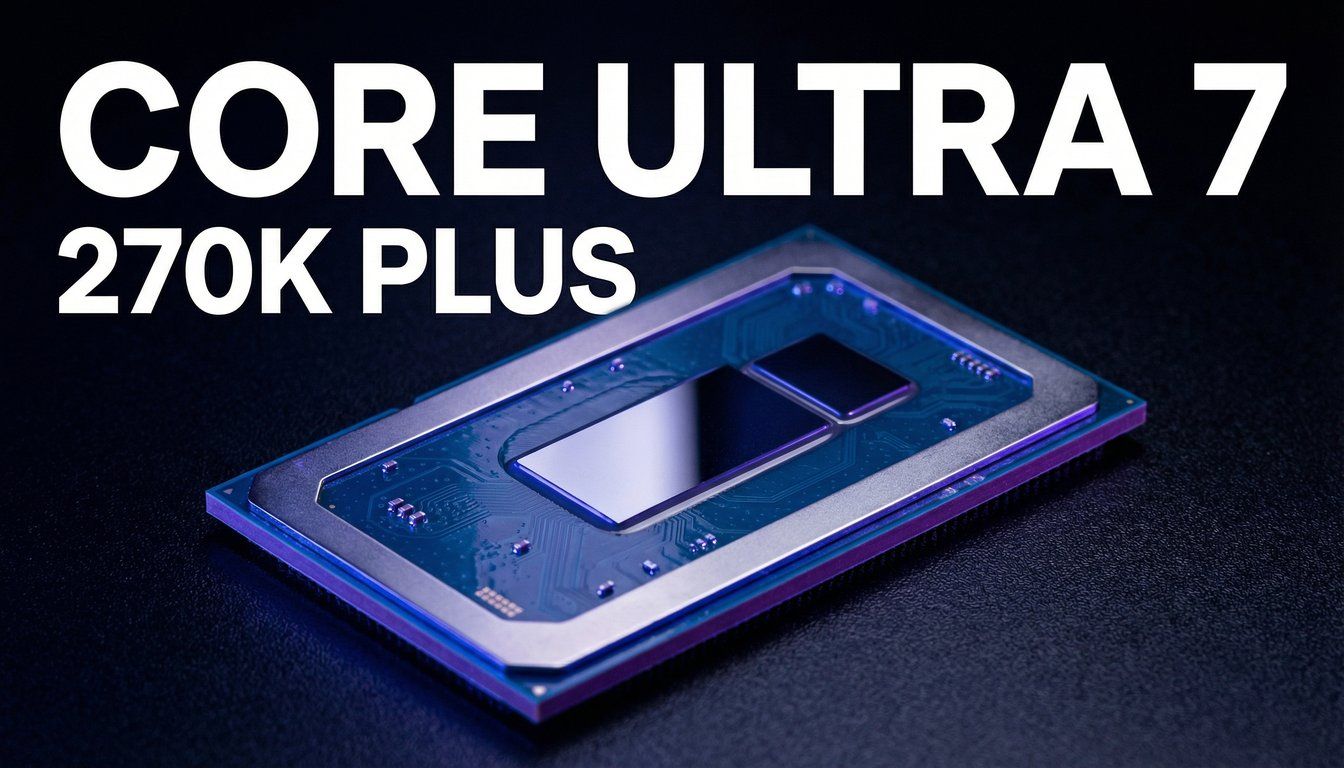
In its 2026 test with an RTX 5080, every Intel CPU tested still beats every Ryzen on LongGOP footage. The Core Ultra 7 270K Plus is 17% faster there than the best Ryzen tested, and Puget Systems makes it its recommendation for Premiere Pro with H.264 and HEVC footage. Our Core Ultra 7 270K Plus review covers its performance in detail.

Two traps to avoid. First, the F and KF versions have no iGPU, so no Quick Sync: for Premiere Pro, always get the K version. Second, Quick Sync does not handle everything: 4:2:2 10-bit H.264 is not decoded by the Intel iGPU. For that format, you need a GeForce RTX 50.

If you go with a Core i9-14900K or a Core i7-13700K, update your motherboard BIOS: Intel fixed the instability issue affecting 13th and 14th-gen Core chips with a microcode update. For the rest of the Intel lineup, our guide to the best Intel CPU covers the whole range.

Intel Core i9-14900K

The most powerful pick here for Premiere Pro with H.264 and HEVC footage: 24 cores and a UHD 770 iGPU with Quick Sync to decode footage from smartphones, mirrorless cameras and drones. It stays very strong in DaVinci Resolve Studio too, except with RAW footage.

Pros
  • 24 cores (8 P-cores + 16 E-cores), 32 threads, up to 6 GHz
  • UHD 770 iGPU with Quick Sync: a big advantage for H.264 and HEVC in Premiere Pro
  • Ahead of the Ryzen 9 9950X in most Puget Systems DaVinci Resolve tests (10 to 20%)
Cons
  • Power hungry (up to 253 W in turbo): a high-end air cooler or AIO is a must
  • LGA 1700 platform at end of life
  • Up-to-date BIOS essential (Intel fix for 13th and 14th-gen Core instability)
FranceCheck the price in my country
Intel Core i7-13700K

The most sensible way to get Quick Sync on an LGA 1700 platform: 16 cores, the same UHD 770 iGPU as the 14900K and power draw that is easier to cool. A good choice for a YouTuber who edits mostly in Premiere Pro.

Pros
  • 16 cores (8 P-cores + 8 E-cores), 24 threads, up to 5.4 GHz
  • UHD 770 iGPU with Quick Sync for H.264 and HEVC
  • Works with DDR4 and DDR5 motherboards
Cons
  • LGA 1700 platform with no upgrade path planned
  • Fewer cores than a Ryzen 9 for RAW footage and software exports
  • Up-to-date BIOS essential (same Intel fix as the 14900K)
FranceCheck the price in my country

DaVinci Resolve and Fusion: cores, RAW and the graphics card

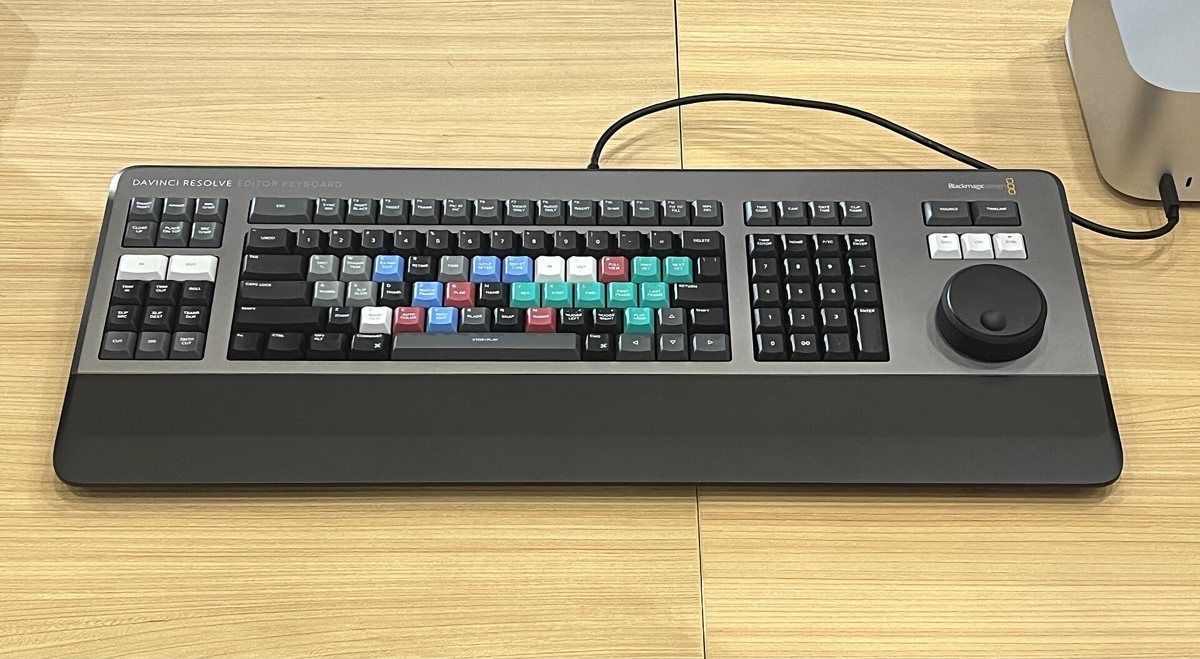
Clavier de montage DaVinci Resolve Editor Keyboard de Blackmagic Design Click to enlarge

DaVinci Resolve leans on the graphics card far more than Premiere Pro: color grading, effects and AI features run mostly on the GPU. The CPU still matters for playing back files, running Fusion and handling codecs the graphics card cannot decode. To pick your card, see our guide to the best graphics card.

On the CPU side, the ranking is tighter than you might think. In Puget Systems’ August 2024 comparison, the Core i9-14900K scored 10 to 20% higher than the Ryzen 9 9950X in most DaVinci Resolve Studio tests. But the 9950X was 12% faster with RAW footage, and the Ryzen 9 chips pulled ahead on AI features. For Fusion, Puget Systems notes that performance depends mostly on single-core speed.

In 2026, the Core Ultra 7 270K Plus took the top spot in Puget Systems’ DaVinci Resolve ranking, just 1% ahead of the Ryzen 9 9950X3D: at that level, the gaps are tiny. The Core Ultra 5 250K Plus comes close to the Ryzen 9 9900X3D. If your editing PC also handles 3D or code compiling, the Ryzen 9 9950X remains the most versatile choice. The other models are in our guide to the best AMD CPU.

Watch out for the free version of Resolve on Windows: it does not support 10-bit H.264 and HEVC, and direct hardware decoding through Quick Sync or an Nvidia graphics card is reserved for DaVinci Resolve Studio. If you shoot in 10-bit, the Studio version matters as much as your choice of CPU.

AMD Ryzen 9 9950X

The best Ryzen for editing: 16 Zen 5 cores, ideal for RAW footage (RED, Blackmagic RAW), software exports and mixed editing, 3D and compiling work. With a GeForce RTX 50, the gap to Intel on H.264 and HEVC shrinks a lot.

Pros
  • 16 cores, 32 threads, up to 5.7 GHz, 80 MB of cache (L2 + L3)
  • 12% faster than the Core i9-14900K with RAW footage in DaVinci Resolve (Puget Systems)
  • AM5 platform with good longevity
Cons
  • No Quick Sync: less comfortable with H.264 and HEVC in Premiere Pro without an RTX 50
  • 170 W TDP: plan for serious cooling
FranceCheck the price in my country
AMD Ryzen 9 7900X

The most affordable Ryzen 9 for an AM5 editing workstation: 12 cores that do very well with intraframe and RAW codecs. A good starting point if you edit in DaVinci Resolve with a recent Nvidia graphics card.

Pros
  • 12 cores, 24 threads, up to 5.6 GHz, 76 MB of cache (L2 + L3)
  • Same AM5 platform as the Ryzen 9000 series
  • Practically as fast as the 7900X3D for editing (Puget Systems)
Cons
  • No Quick Sync
  • Fewer cores than a 16-core Ryzen 9 for heavy exports
  • 170 W TDP
FranceCheck the price in my country
Intel Core Ultra 5 250KF Plus

The same chip as the Core Ultra 5 250K Plus, which Puget Systems recommends as the budget option for DaVinci Resolve and ranks close to a Ryzen 9 9900X3D. Note that the KF version has no iGPU, so no Quick Sync. For Premiere Pro, go for the 250K Plus (without the F) instead.

Pros
  • 18 cores (6 P-cores + 12 E-cores), up to 5.3 GHz
  • DDR5 memory up to 7200 MT/s
  • Close to a Ryzen 9 9900X3D in DaVinci Resolve (250K Plus tested by Puget Systems)
Cons
  • No iGPU, so no Quick Sync: less appealing for Premiere Pro
  • Needs an LGA 1851 motherboard (Z890 or B860)
  • Plan on a recent graphics card to decode H.264 and HEVC
FranceCheck the price in my country

Ryzen X3D: does 3D V-Cache help with video editing?

No, or very little. The 3D V-Cache on Ryzen X3D chips is built for gaming. When Puget Systems tested the Ryzen 9 7950X3D and 7900X3D, it measured only a 1 to 2% gap with the regular 7950X and 7900X in Premiere Pro. In DaVinci Resolve, the regular 7950X was 6% faster overall, and about 13% faster in Fusion. The only real editing advantage: the X3D chips draw nearly 30% less power and run cooler.

So the Ryzen 9 7950X3D makes sense if your PC is used as much for gaming as for editing: you keep 16 cores for editing and get one of the best gaming CPUs of its generation. The 7900X3D, on the other hand, adds little over the 7900X for editing: if you do not game, get the 7900X.

AMD Ryzen 9 7950X3D

The compromise if your PC is used as much for gaming as for editing: 16 cores for editing and 3D V-Cache for gaming. For pure editing, Puget Systems finds it a little slower than a regular 7950X, but it draws much less power.

Pros
  • 16 cores, 32 threads, 144 MB of cache (L2 + L3)
  • Excellent for gaming thanks to 3D V-Cache
  • About 30% lower power draw than the 7950X (Puget Systems)
Cons
  • The extra cache does not speed up editing
  • A little slower than the 7950X in Fusion (about 13% according to Puget Systems)
FranceCheck the price in my country

Which CPU for your profile

  • YouTuber or beginner creator (smartphone, mirrorless, Premiere Pro): a Core i7-13700K, or a Core Ultra 5 250K Plus (the K version with an iGPU). H.264 and HEVC footage stays smooth thanks to Quick Sync.
  • Regular 4K creator (Premiere Pro or Resolve Studio): a Core Ultra 7 270K Plus or a Core i9-14900K. With a GeForce RTX 50, the Ryzen 9 9950X also does the job very well.
  • Editor working in RAW or ProRes who also does 3D: a Ryzen 9 9950X, with 64 GB of RAM and a recent Nvidia graphics card.
  • PC shared between editing and gaming: a Ryzen 9 7950X3D, or a Ryzen 7 X3D if gaming comes first.
  • Older AM4 PC to boost: a Ryzen 9 5950X, after first checking that your motherboard BIOS supports it.

Before you buy, check the matching motherboard: AM5 for Ryzen 7000 and 9000, LGA 1700 for 13th and 14th-gen Core, LGA 1851 for Core Ultra. Our 2026 motherboard guide helps you choose the right chipset.

AM4 upgrade: does the Ryzen 9 5950X still make sense?

Yes, if you already have an AM4 motherboard and DDR4. The Ryzen 9 5950X still has 16 cores and 32 threads, and it fits most B550 and X570 motherboards, as well as many B450 and X470 boards after a BIOS update. Check the manufacturer’s compatibility list before you buy.

In Puget Systems’ tests, the Ryzen 9 9950X is 16% faster than the 5950X in DaVinci Resolve. For a new build, we therefore recommend AM5. But for an existing PC with a Ryzen 5 or Ryzen 7 from the 3000 or 5000 series, moving to 16 cores is still a clear improvement without replacing everything.

AMD Ryzen 9 5950X

The logical upgrade if you already have an AM4 motherboard: 16 cores without changing your motherboard or DDR4 memory. It trails the Ryzen 9000 series, but it is often the simplest way to double the cores of an older editing PC.

Pros
  • 16 cores, 32 threads, 72 MB of cache (L2 + L3)
  • Fits an existing AM4 motherboard (after a BIOS update)
  • Keeps your DDR4 memory
Cons
  • About 16% slower than a Ryzen 9 9950X in DaVinci Resolve (Puget Systems)
  • No iGPU
  • AM4 platform with no upgrade path, PCIe 4.0
FranceCheck the price in my country

Cooling and power: do not hold your CPU back

A video export keeps the CPU at full load for many minutes. A Core i9-14900K can reach 253 W in turbo, and a Ryzen 9 9950X has a 170 W TDP: with cooling that is too light, they lower their clock speeds and your exports take longer. Plan on a good dual-tower air cooler or a 280 or 360 mm AIO.

Our guide to choosing a CPU air cooler and our comparison of the best thermal paste will help you round out the build.

FAQ

What is the best CPU for video editing in 2026?

For Premiere Pro with H.264 or HEVC footage, an Intel chip with an iGPU such as the Core Ultra 7 270K Plus or the Core i9-14900K. For DaVinci Resolve, RAW footage and all-round use, the Ryzen 9 9950X. The gaps between the top models are small with a GeForce RTX 50.

Intel or AMD for Premiere Pro?

Intel, as long as the CPU has an iGPU (no F or KF version). Quick Sync speeds up decoding of H.264 and HEVC footage, the most common formats for YouTubers and creators. AMD holds up better with RAW footage.

Which CPU for DaVinci Resolve?

Resolve relies mostly on the graphics card, so the gaps between CPUs are smaller. The Core Ultra 7 270K Plus and the 16-core Ryzen 9 chips lead the pack. The Ryzen 9 9950X is the most versatile, especially with RAW footage.

Is the Ryzen 9 7950X3D good for video editing?

Yes, but no better than a regular 7950X: 3D V-Cache does not speed up editing. It makes sense if you also game a lot on the same PC, and it draws much less power.

How many cores do you need for 4K editing?

12 to 16 cores is a very good level for 4K editing. But cores are not everything: Quick Sync, the graphics card and 32 to 64 GB of RAM matter just as much for a smooth timeline.

Is a CPU without an iGPU fine for editing?

Yes, with a recent graphics card that decodes H.264 and HEVC, such as a GeForce RTX 50. But in Premiere Pro you miss out on Quick Sync, and if your graphics card fails, you have no display at all.

Conclusion: choose based on your software and footage first
If you edit smartphone, mirrorless or drone footage in Premiere Pro, an Intel chip with an iGPU is still the safest choice in 2026: Core Ultra 7 270K Plus, Core i9-14900K or Core i7-13700K. If you work in DaVinci Resolve, in RAW, or your PC also does 3D, the Ryzen 9 9950X is the most versatile. The Ryzen 9 7950X3D is the right editing-and-gaming compromise, and the Ryzen 9 5950X is the best way to give an AM4 PC a second life. Either way, a GeForce RTX 50, enough RAM and a fast SSD matter almost as much as the CPU.