- 1Laptop SSD in 2026: the short answer
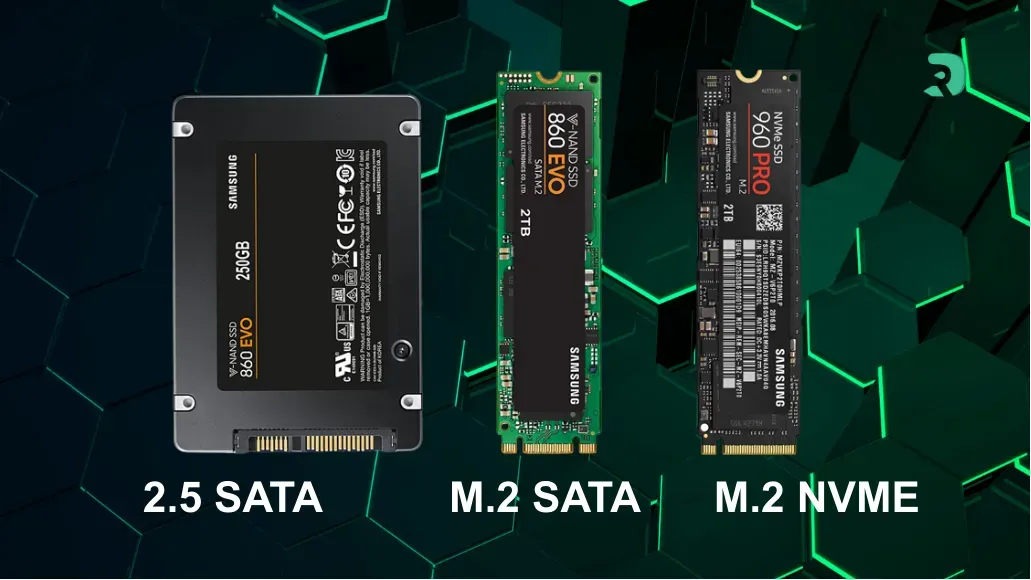
- 2Laptop SSD form factors: 2.5-inch, M.2 SATA and M.2 NVMe
- 3Compatibility: how to know which SSD your laptop accepts
- 4Our laptop SSD picks for 2026
- 5The best M.2 2280 SSDs for laptops
- 6The best M.2 2230 SSD for ultraportables
- 7The best 2.5-inch SATA SSDs for older laptops
- 8Which capacity should you choose for your laptop?
- 9Which SSD for a gaming laptop?
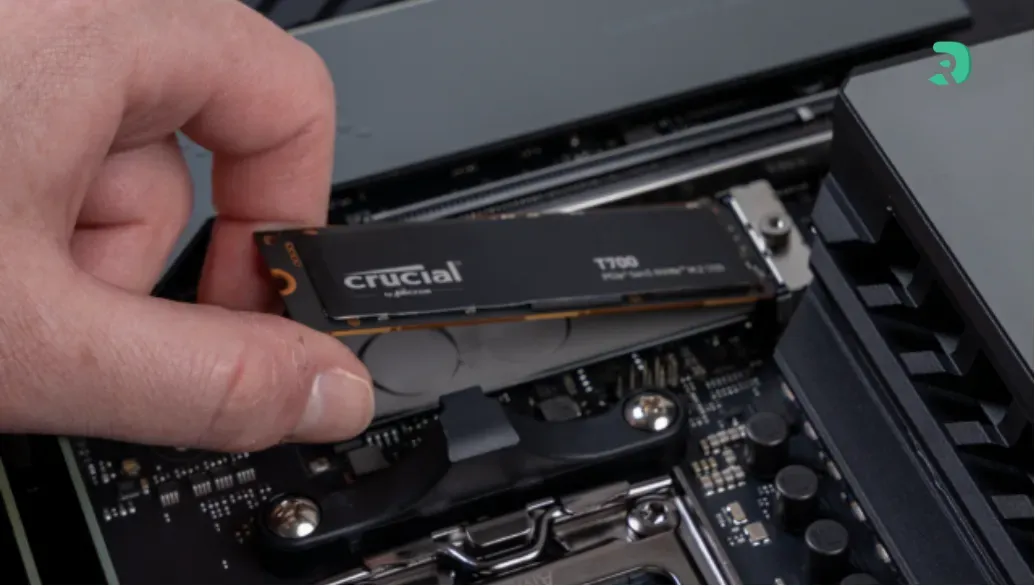
- 10How to replace a laptop SSD: step by step
- 11FAQ: laptop SSD
- 12Conclusion
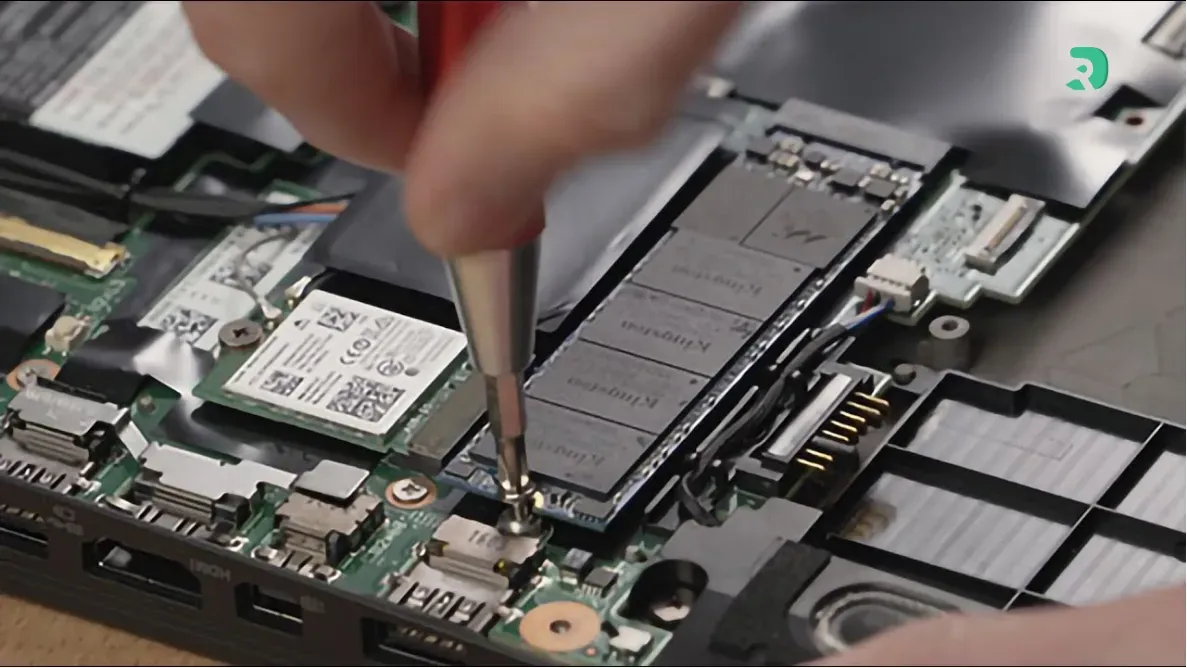
Click to enlarge
Replacing or adding an SSD is still the most effective upgrade for a laptop: boot in seconds, apps that open instantly, less noise and better shock resistance than a hard drive. Before buying, you only need to answer one question: which slot does your laptop have?
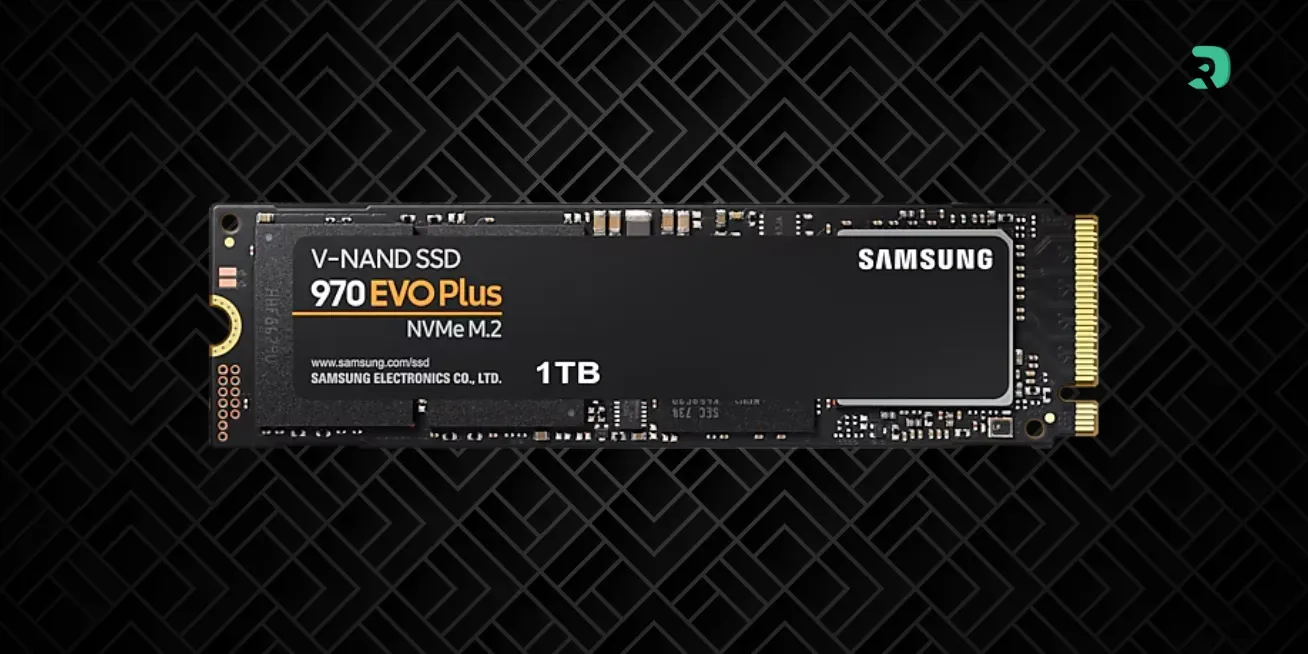
- Recent laptop with an M.2 2280 slot: get a 1TB PCIe 4.0 NVMe drive such as the WD_BLACK SN7100 (very power efficient) or the Samsung 990 EVO Plus. The Kingston NV3 does the job on a tight budget.
- Ultraportable or Surface with a short M.2 2230 slot: you need a 2230 SSD such as the WD_BLACK SN770M. A 2280 drive will not fit.
- Older laptop with a 2.5-inch bay: a SATA SSD like the Samsung 870 EVO or the Kingston A400 gives it a second life.
- Apple silicon MacBooks and many ultrathin laptops: storage is soldered to the motherboard, so no SSD can be replaced.
In 2026, the NAND memory shortage keeps pushing SSD prices up, and a 1TB 2.5-inch SATA drive is no longer necessarily cheaper than a good 2280 NVMe. To follow the trend, read our article on SSD prices in 2026.